George In The Meta
Should you fish with the interact key in WoW Forever?
 By George In The Meta ·
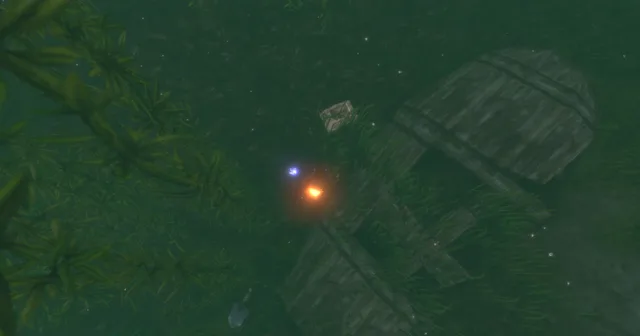
Short answer: yes, you can fish without clicking the bobber. In Options > Controls, tick Enable Interact Key, bind a key to Interact With Target, and tick Interact Key Sound Cue. I'd say it's better, because you don't have to move your mouse back to where it was. But you still have to press something, so does it really matter? When I cast, I have my mouse over the bob anyway. Now I have Fishing on 1 and the interact key on the backtick key, just left of 1, so I don't even need to use the mouse.
How do you turn on the interact key in WoW Forever?
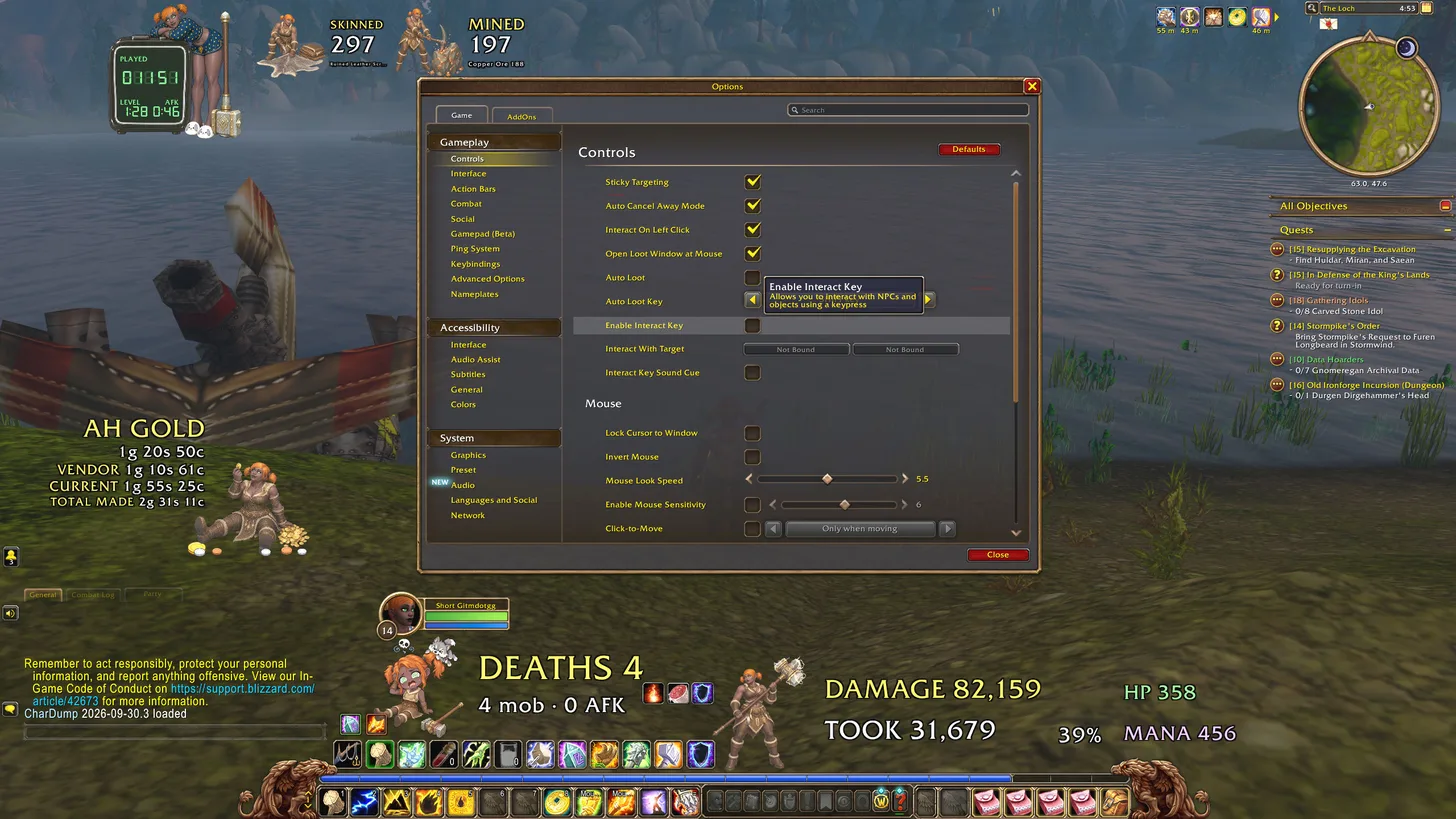
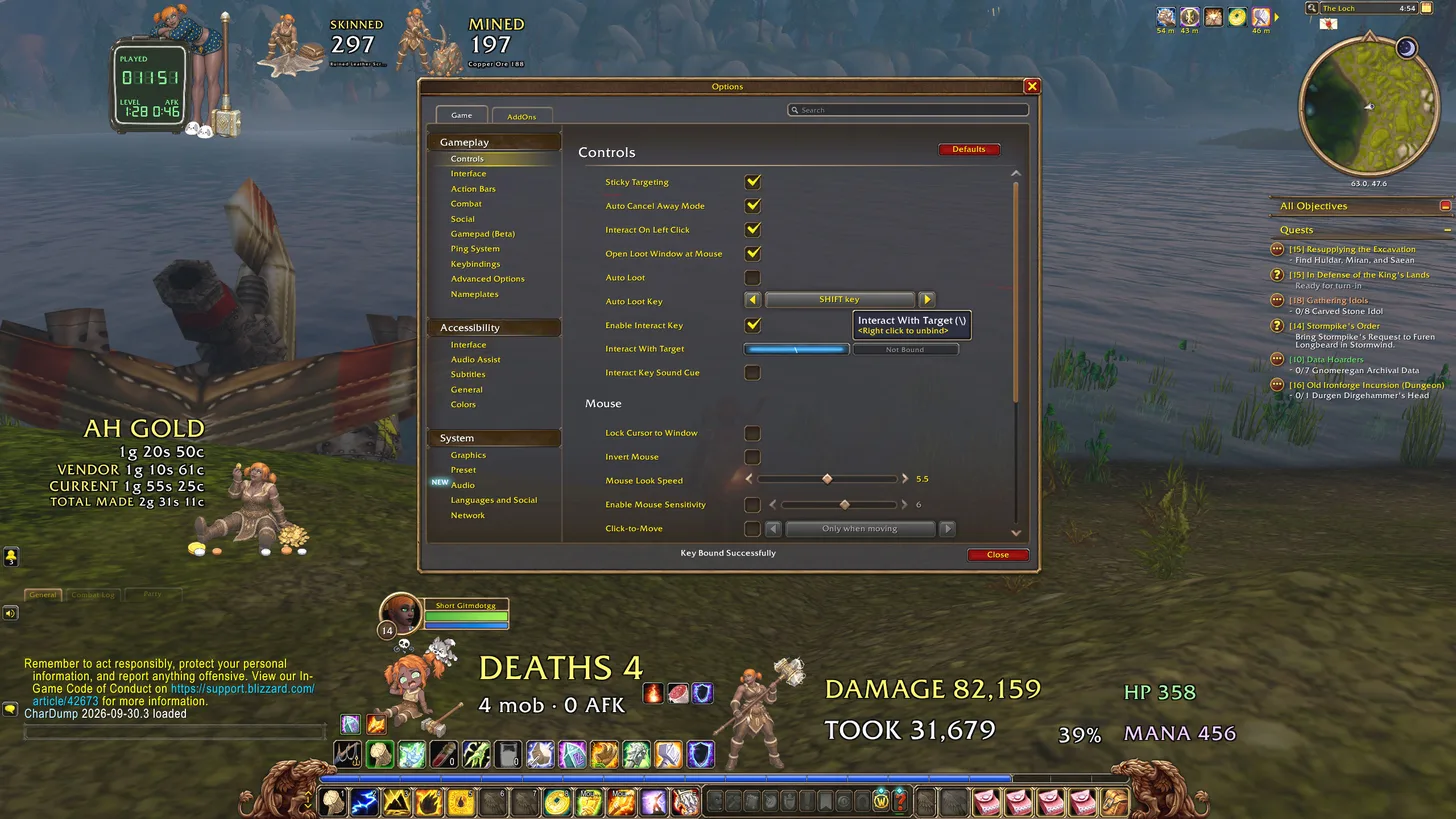
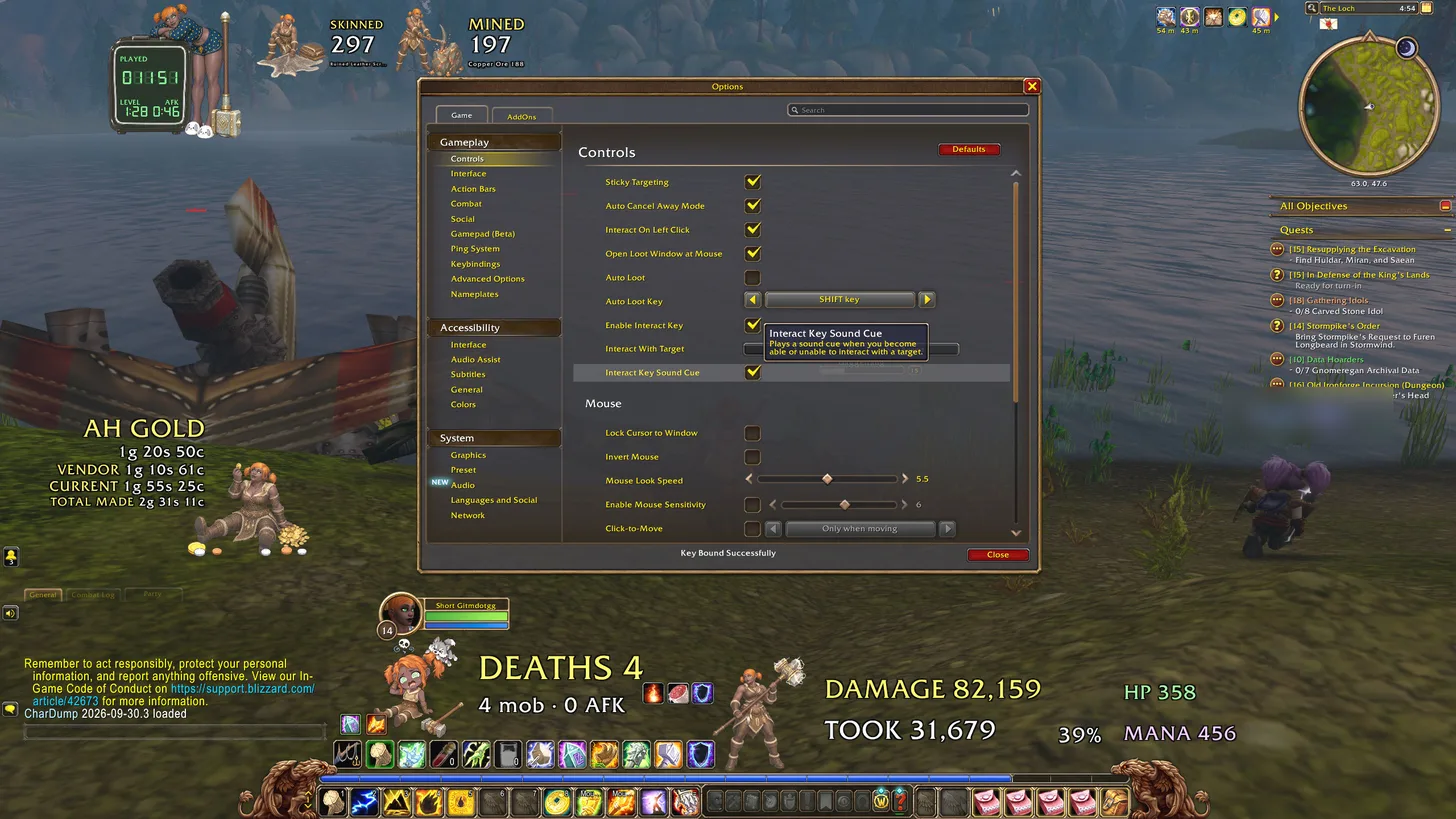
Open Options, then Gameplay > Controls. The three settings sit together:
- Enable Interact Key. The tooltip says it "allows you to interact with NPCs and objects using a keypress".
- Interact With Target. Click it and press the key you want to use.
- Interact Key Sound Cue. This "plays a sound cue when you become able or unable to interact with a target".
Do you need the sound cue?
The tip comes from a reel by Gold Team, and they say it doesn't work unless the sound cue is ticked. I ticked all three.
How do you fish without using the mouse?
Put Fishing on a key too. I've bound Fishing to 1 on an action bar page I scroll to when I'm fishing. The interact key is on the backtick key, the one next to 1 on the left. So I just press 1 to fish and that key to reel in, and I don't even need to use the mouse. It kind of feels slightly backwards.
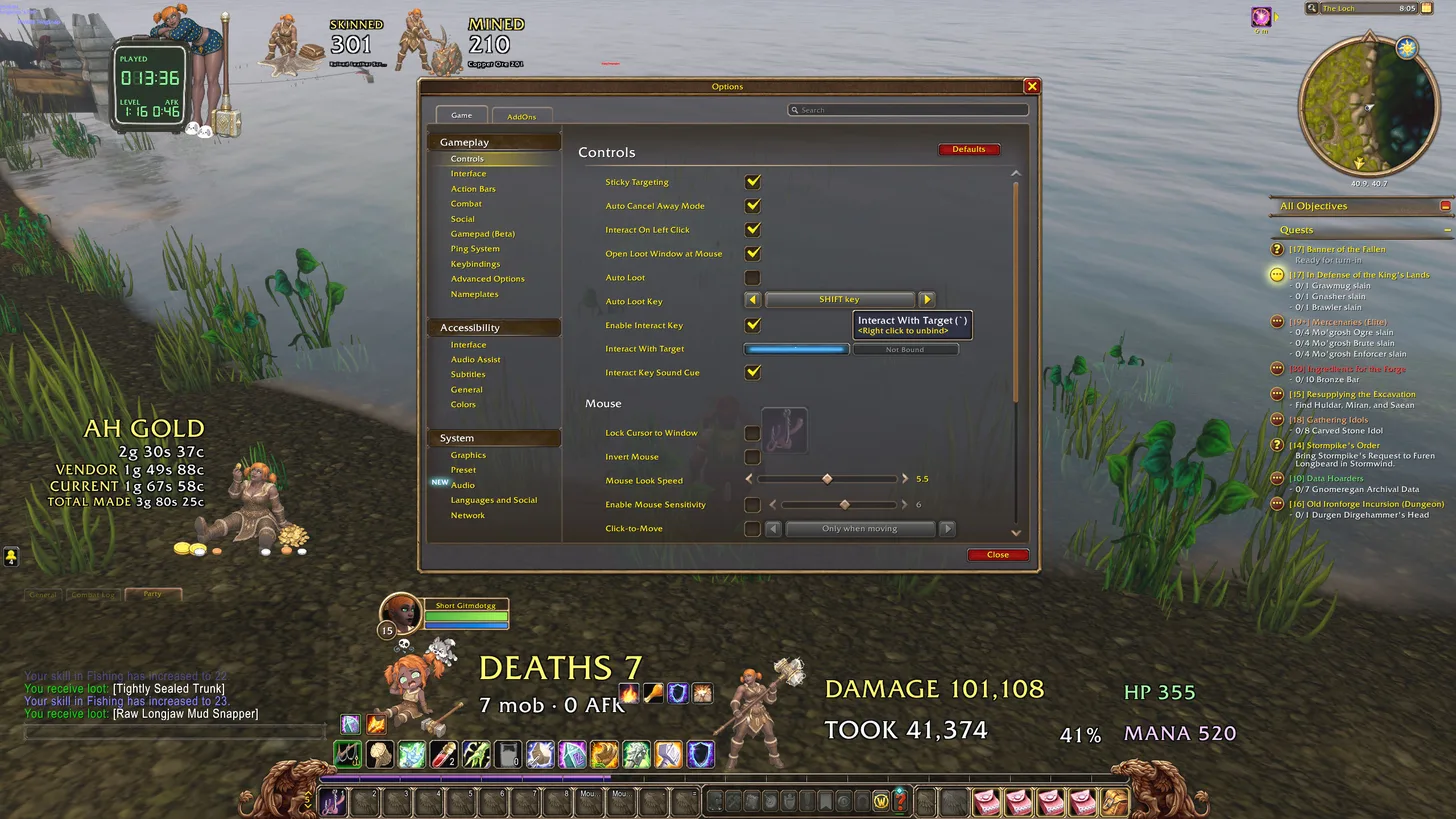
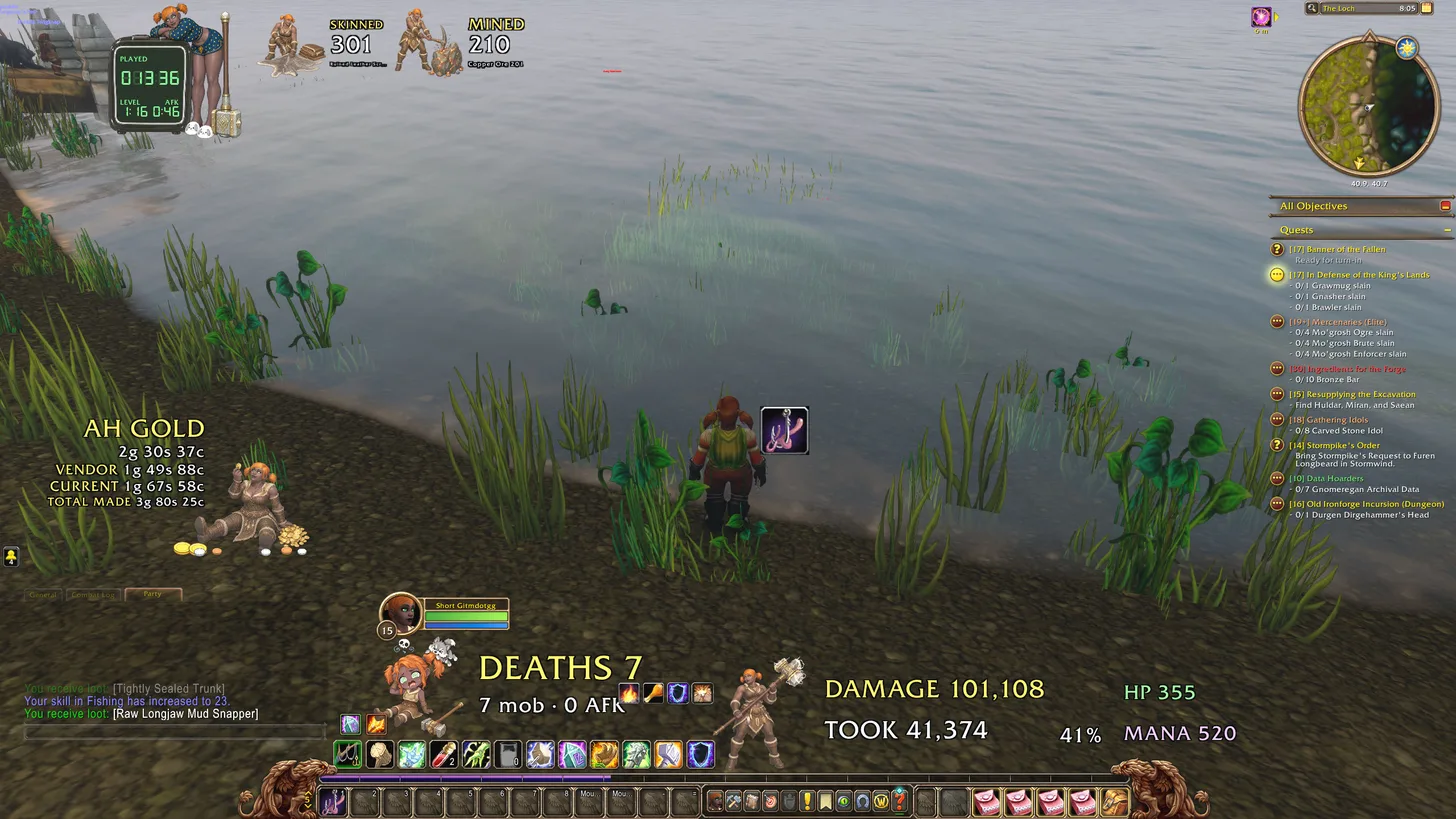
I tried the interact key on 2 first, so it was 1 to fish and 2 to reel in, but 2 is already a slot on my action bar and I couldn't have both on the same key, which was lame.
Is fishing with the interact key better than clicking?
Pretty good, yes. I can see why people would prefer this compared to the other way. At least you don't have to click on the bob, and you don't have to move your mouse back to where it was.
But you still have to press something, so does it really matter? When I cast, I have my mouse over the bob anyway. That was before I put Fishing on 1. With Fishing on 1 and interact next to it, I don't need the mouse at all.